
How to Search for a Carbon County Warrant
Carbon County's Sheriff's CountySuite portal is a county-linked name search. Utah BCI's Statewide Warrants form is the broader public name check. Start with the first and last name used in the case; BCI also accepts an optional middle initial. A common name can return a match that belongs to someone else, so use a case number, court name, and charge to compare records.
Run both searches if you need a wider view, then confirm with the issuing court. The Statewide Warrants data moves from court systems, and the official technical notes warn that court entry and removal affect timeliness. A result or an empty screen is not a court order.
- Open Carbon County CountySuite and search by first and last name.
- Review the local-only control and date filters, but do not infer their coverage or date meaning from the labels alone.
- Search Utah BCI SWW with first name, last name, and optional middle initial.
- Use XChange or the Court Calendar to identify a case or hearing.
- Call the issuing clerk to confirm status and ask what step is required; contact Sheriff/Jail only for custody logistics.
Carbon County CountySuite's Visible Filters
The county portal shows Last Name, First Name, a “Show Only Local Warrants” control, Date Type, Start Date, End Date, Clear, and Search. The static view does not state which fields are required or explain the date choices. It also does not show a last-updated time, result-column schema, or completeness statement.
Use the local-only filter as a scope choice, not as proof that the wider search has covered every court or city record.
View the official CountySuite form before entering a name.
Carbon County Warrant Search Fields
Carbon County's CountySuite interface exposes a short filter set. It does not show a public date-of-birth, warrant-number, charge, or court field in the static form. Do not add those as search instructions. The BCI form has a different design and a different statewide source.
| Field Label | Type | Required | Notes |
|---|---|---|---|
| Last Name / First Name | Text | Not stated | Name search; requiredness and partial-match behavior were not exposed. |
| Show Only Local Warrants | Control | Not stated | Visible label; default and coverage are not explained. |
| Date Type | Select | Not stated | Option values were not visible in the static inspection. |
| Start Date / End Date | Date or text | Not stated | Format and date category were not stated. |
| Clear / Search | Buttons | N/A | Reset or submit the visible filters. |
Utah SWW Uses a Separate Name Form
BCI's public Statewide Warrants form asks for a required first name and last name, an optional middle initial, a reCAPTCHA checkbox, and a Continue button. Its search is not the same as CountySuite's local-only/date filter. Do not tell the public to use technical law-enforcement fields such as Social Security number, driver's-license number, vehicle plate, or warrant number.
The image below comes from BCI's public warrant-search page. Follow the current BCI instructions rather than copying form data into another site.
Open Utah BCI's public SWW search for the current name form.
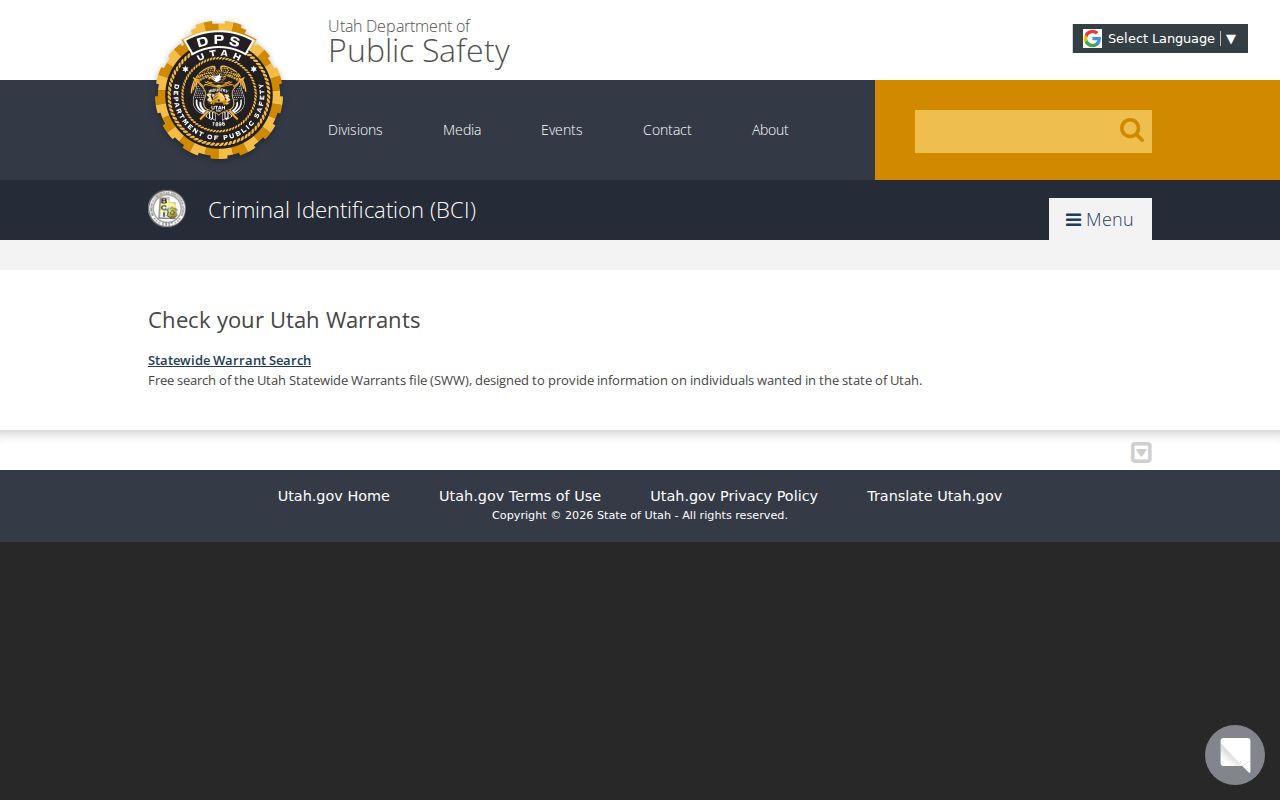
BCI is statewide, but a court still confirms a case-specific result.
What a Warrant Search Returns
The BCI sample detail shows case number, court name, and charges, with navigation controls and a “Pay Fine Online” option in the inspected example. That display is a schema reference, not a promise that each warrant has the same fields or payment route. Carbon County's CountySuite result columns were not visible in the static review.
| Case Number | Identifies the court case; no Carbon warrant-number format was verified. |
|---|---|
| Court Name | Names the court to contact for status and next steps. |
| Charges | Shown in the SWW sample detail. |
| Payment option | A sample “Pay Fine Online” button is not a universal payment instruction. |
| CountySuite result fields | Not exposed in static inspection; do not assume a bond or status column. |
Carbon County and Statewide Results Differ
CountySuite is a Carbon County Sheriff channel with undefined local coverage. BCI SWW is a court-originated statewide file that includes outstanding Utah felony, misdemeanor, and infraction warrants. Court entry and removal affect SWW timing, and CountySuite does not publish an update schedule.
A blank result in one place may mean another court or city channel holds the case, the record is protected, or data has not caught up. Search both official portals for your own status, then use the named court to resolve the difference.
Where Carbon County Warrants Are Checked
The Sheriff/Jail, the issuing court, and the statewide BCI system answer different questions. Carbon County Justice Court keeps county-level lower-court cases. The Seventh District clerk handles felony and Class A misdemeanor files. Price, Helper, Wellington, and East Carbon have separate local justice-court routing for city matters.
The Carbon County Clerk/Auditor receives GRAMA requests for county records, not every criminal-court case. MyCase is for parties and authorized users; XChange is public case information; Court Calendar shows scheduled proceedings. None is a single guaranteed warrant-status field.
Carbon County's Court Tools Have Different Jobs
Use XChange to find public case information, Court Calendar to check hearing schedules, and MyCase for a party's case papers and payments. Court Calendar lists Carbon County and East Carbon locations and updates on weekdays, but it is not a warrant list.
The Utah Courts Request for Court Record process is for public documents, not an active-status shortcut. If a record is protected, a request may require an authorized basis or court order.
Federal Warrants Follow a Separate Court Search
Carbon County lies in the Central Division of the U.S. District Court for the District of Utah. CountySuite and BCI SWW are county and state search channels; neither is a federal warrant list. The research found no public federal Carbon warrant roster, and sealed process may not appear on a public docket.
The District of Utah map identifies division geography. PACER can provide public federal docket information, but it cannot show every sealed record or resolve a warrant.
Utah's federal CM/ECF court information page provides division contact and case-number context.
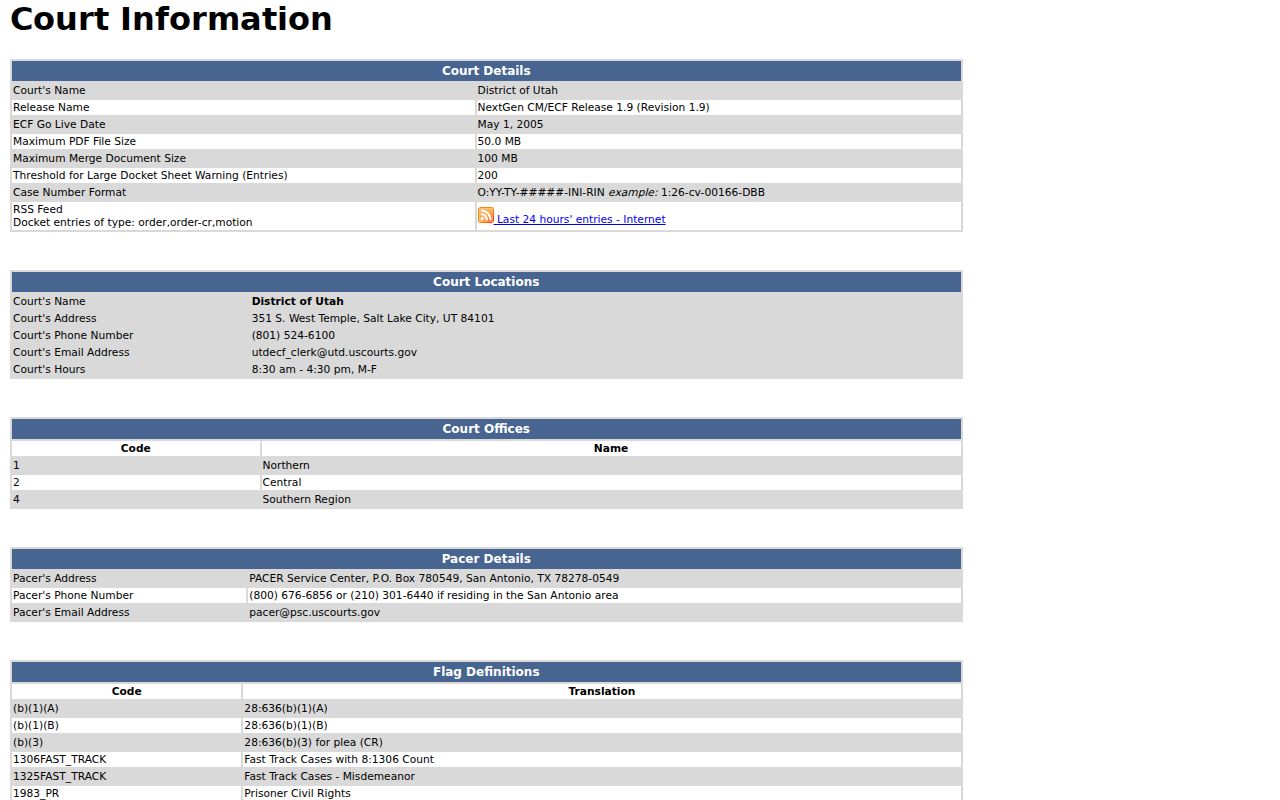
This federal court information page supports docket routing, not warrant confirmation.
PACER's official pricing and fee-waiver page describes charges for public federal research.
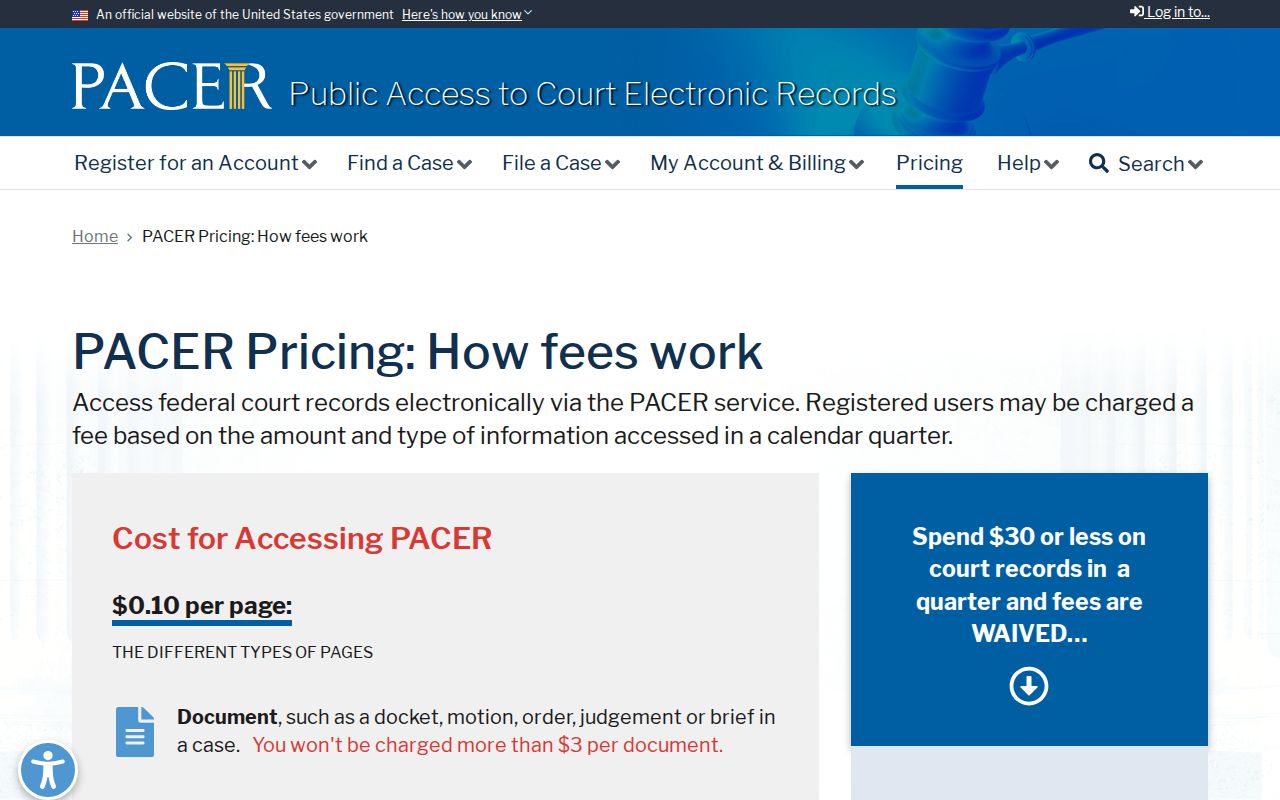
A public docket search is not confirmation that a warrant exists or has been recalled.
Access and Restricted Warrants
Utah GRAMA and court-record rules distinguish public records from protected material. Carbon County's records page says juvenile case files generally are not released and adult criminal case files are limited to authorized people, with some victim or witness access after redaction. Search-warrant papers can also be sealed under Rule 40.
Key Rules:
Utah Rule 40 permits sealing search-warrant materials; the public search may not show them.
Juvenile files and protected personal data are not ordinary public search material.
A missing result is not proof that no warrant exists; confirm with the issuing court.
Carbon County GRAMA Does Not Change Status
Use the County Clerk/Auditor's GRAMA process for county-held records, such as portal policies or non-exempt system fields. Utah Courts has a separate written request for public court documents. Both routes can involve classification review, fees for copies, and response time; neither recalls a warrant or guarantees release of a protected case file.
For a personal status question, contact the issuing clerk. For a public-record copy, describe the record with reasonable specificity and ask whether inspection or copies are available. The county reports a usual response within 10 business days, though denial, referral, or delay can also occur.